Get it out of your head.
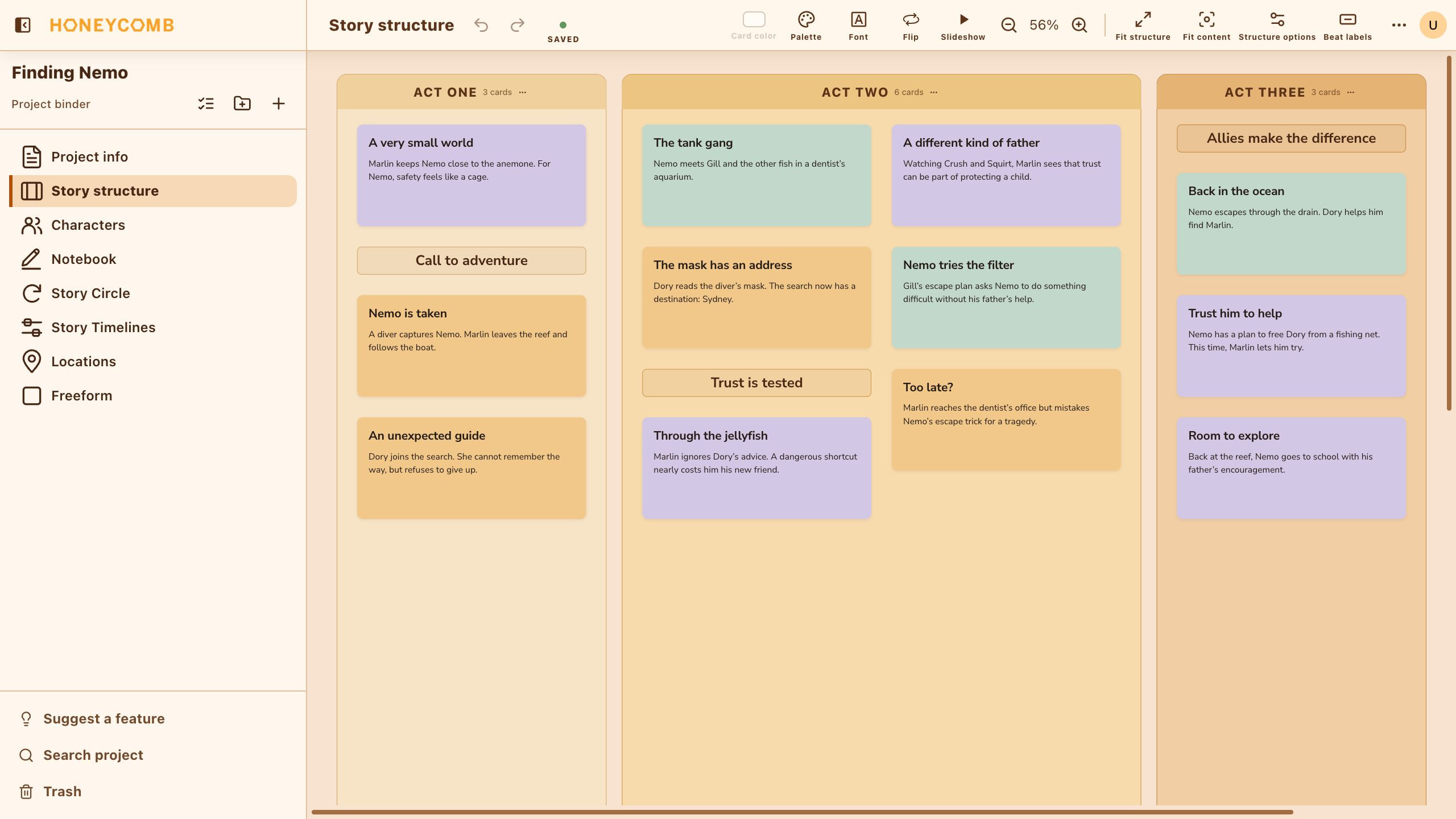
Double-click to add a card. Gather scenes, notes, images, and questions without worrying about where they belong.

Bring your projects, ideas and characters to life.
Plan visually, write freely, and build your story.
Start with a stray thought, a character, or a scene you can’t shake. Give it a card. Let the rest of the story grow around it.
Double-click to add a card. Gather scenes, notes, images, and questions without worrying about where they belong.
Move the pieces around. Try a structure, follow a timeline, or leave yourself space to wander.
Write a draft, play through your scenes, or explore another template. Your whole project stays close at hand.
A preview of shared editing: move scenes, write on cards, and see ideas take shape together—with named cursors, live avatars, and comments.
The same story, shaped together. Changes are saved as you work.
Named cursors and avatars make it easy to follow each other’s ideas.
Comment on a card or the board. Unread badges remember what you’ve seen.
Invite editors or viewers. Stay in control of access as the project owner.
Coming soon. Shared editing and invitations are currently paused. Existing shared projects are preserved.
A notebook for each project. Shelves to organize them. Choose a cover, color, and icon that make your stories feel like yours.
Inside, your binder keeps boards, notebooks, timelines, and drafts together.
Your shelves sync with your account across devices.Move from planning into prose without leaving your project. Choose your paper, font, ink, and spacing. Set a word goal, settle into focus mode, and make room for the next sentence.

Finding Nemo · Original story-analysis notes in the Honeycomb editor.
Mix and match documents in the same project. Your first template is a starting point, not a commitment.
Plan in three acts, vertically or horizontally. Rearrange scenes, add your own beat labels, and resize cards as the outline takes shape.
Explore story planningCollect the ideas that don’t fit an outline yet. Resize cards from their edges, move a whole selection, and focus on one card when a thought needs more room.
Explore FreeformExplore an eight-step character journey with Story Circle. Keep the visual guide at the center and add scene cards to each stage.
Find your structureGive your cast and settings more than a name. Keep pictures and open-ended notebooks together, then explore character arcs, backstory, dialogue, and the people in their orbit.
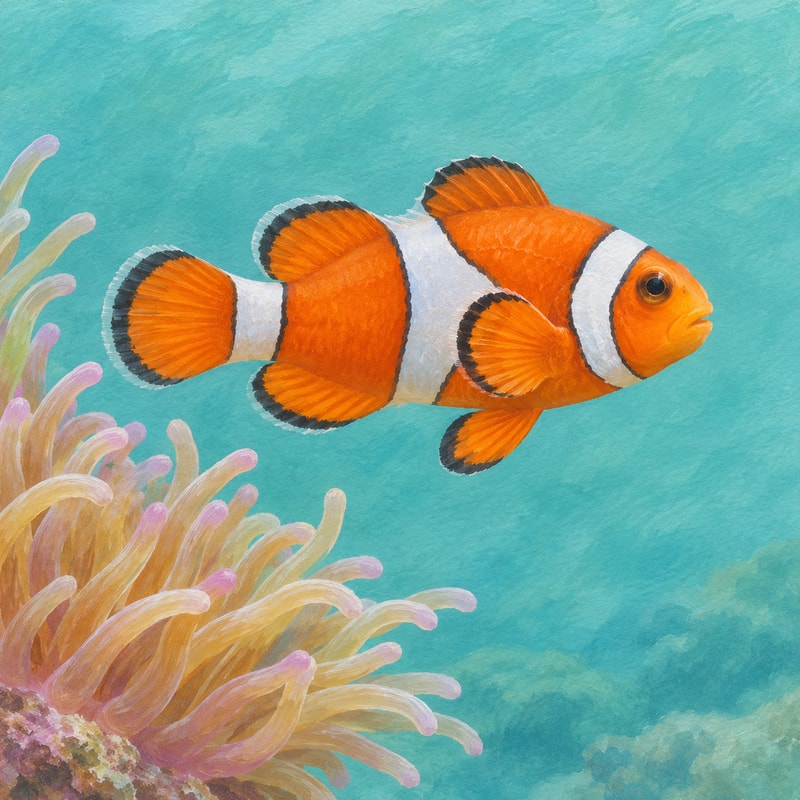
Crossing the ocean is only part of his journey.
NOTEBOOKMarlin wants to bring Nemo home. What he needs is to trust his son’s abilities, even when he cannot guarantee the outcome.
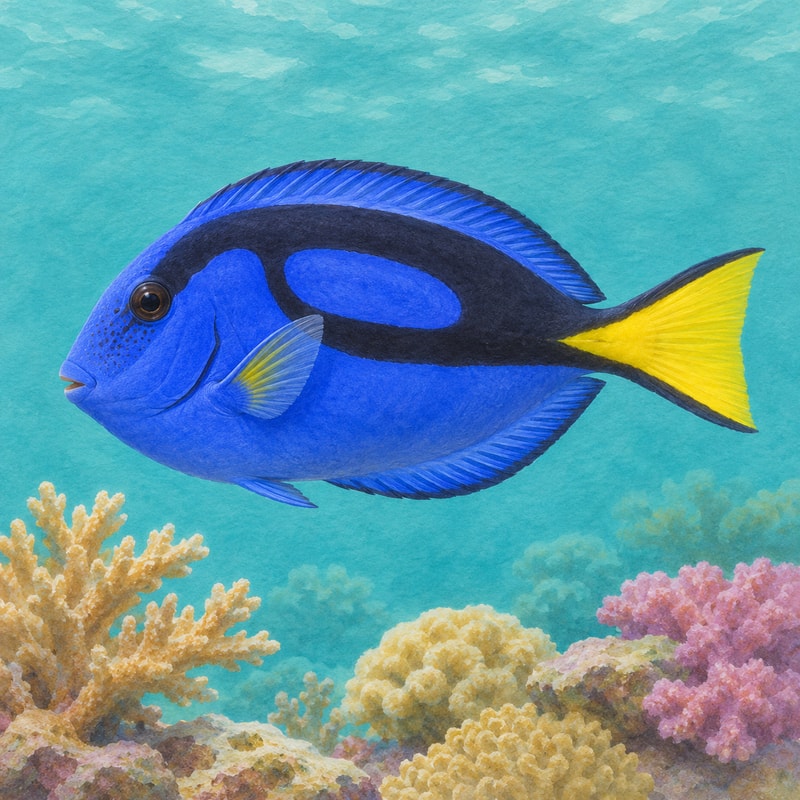
Connection and persistence keep the search moving.
NOTEBOOKDory offers help without certainty. Her friendship challenges Marlin’s belief that he must manage every risk alone.
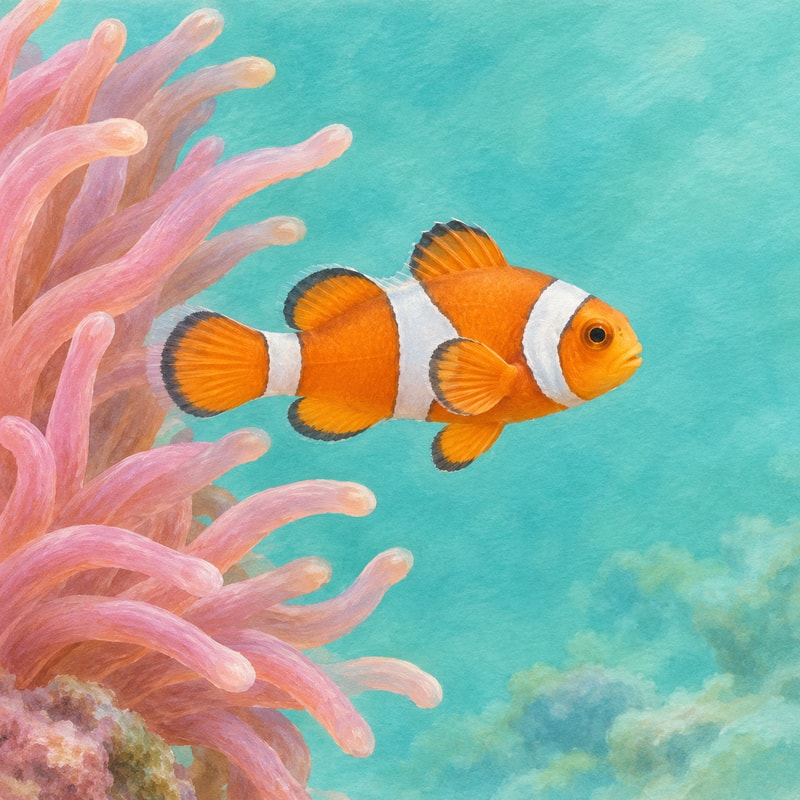
He wants a chance to show what he can do.
NOTEBOOKIn the aquarium, Nemo learns to act with confidence. His escape story prepares him to take the lead in the final rescue.
Finding Nemo story-analysis examples with original summaries and generated illustrations.
Paste an image from your clipboard, or upload a reference. Start with a few words—there’s no questionnaire to finish.
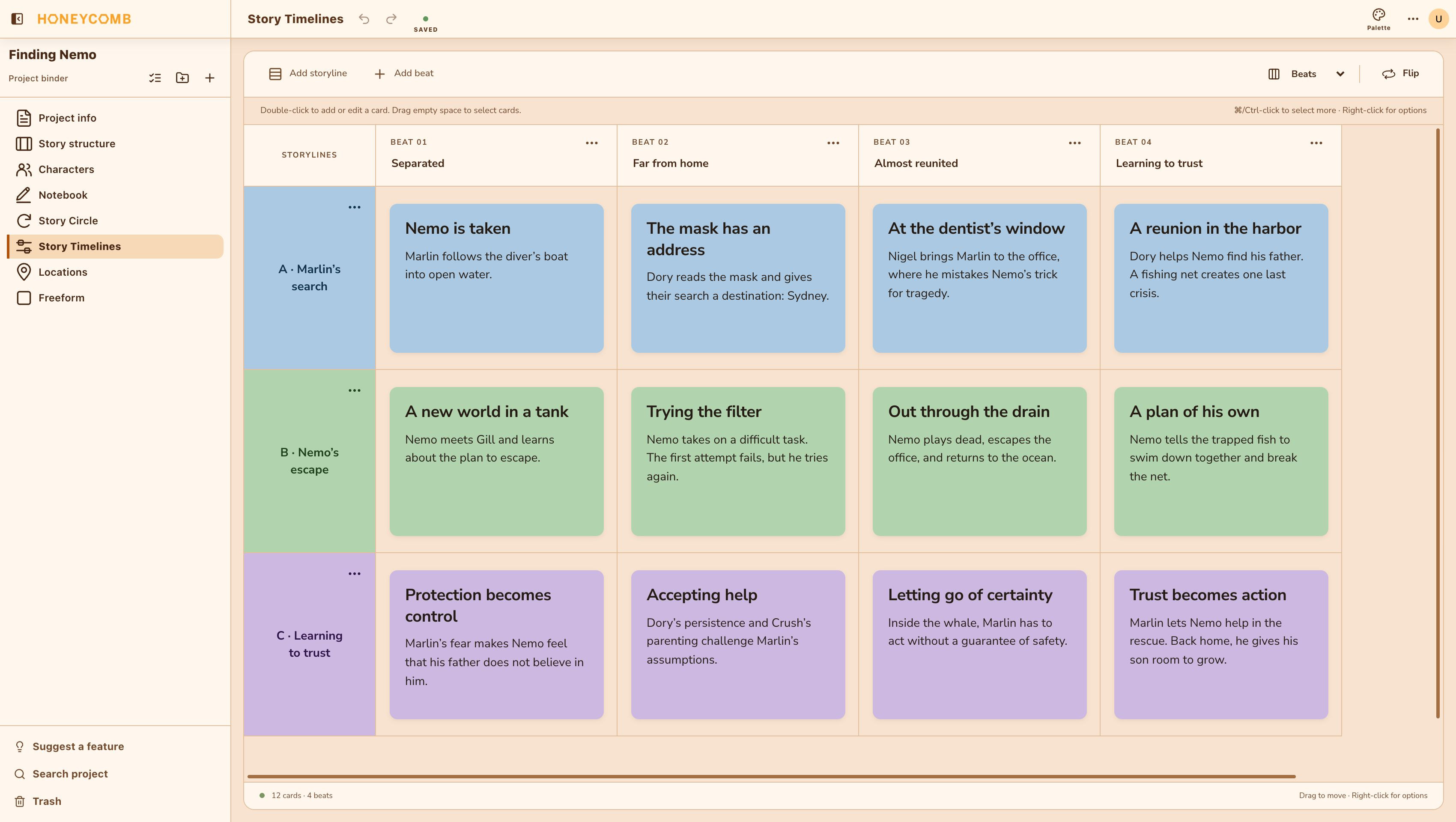
Explore character notebooksTrack plots, subplots, and character arcs side by side. Drag cards between beats, scenes, or chapters, and give each storyline its own color. Use a soft tint or another color treatment, with optional matching card colors you can change afterward.
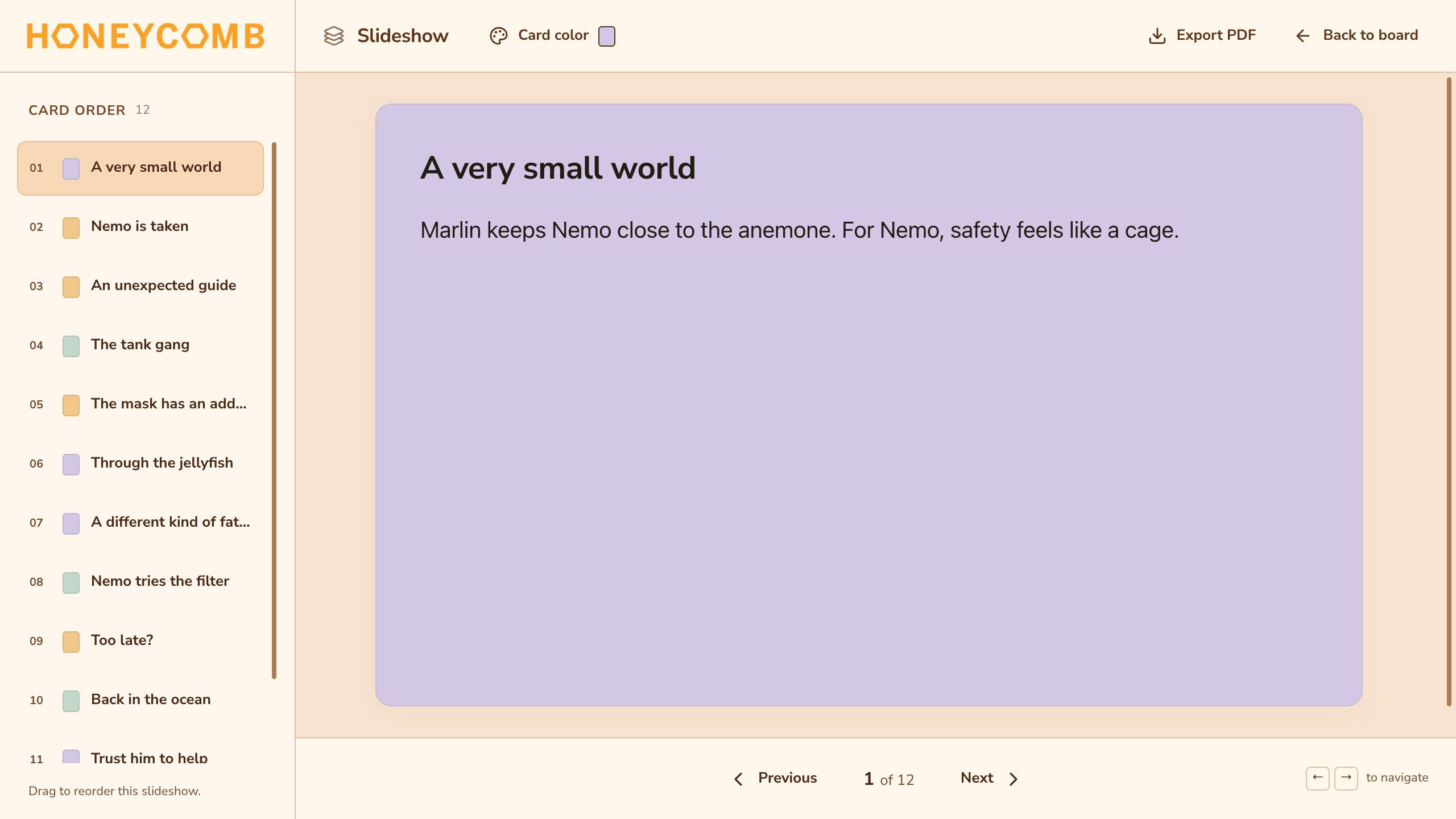
Read your story one scene at a time. Edit a card or change its color right in the slideshow. Try a different presentation order without rearranging your board.
Change the workspace colors for one document or apply a palette across the project.
Custom document icons and a project binder keep each part of the story within reach.
Shared-project comments will stay beside the work, with unread indicators that persist between visits.
Recovery versions help you keep track of your saved work.
Start with a 30-day free trial. No credit card required.
Both plans include the same creative tools.
Billed monthly after your free trial.
About $4.17 a month, billed yearly after your free trial.
Collaboration is coming soon and is not currently included in the available features.
No. Create your account and verify your email to start your 30-day free trial. Add a payment method only when you decide to become a member.
A novel, screenplay, series, a world full of characters—or a collection of ideas you haven’t figured out yet. Honeycomb is a visual planning and writing workspace, not a screenplay-formatting tool.
No. Your first template is just a starting point. Add and remove documents anytime: freeform boards, vertical or horizontal three-act structures, Story Circle, story timelines, characters, locations, and Writing Pads can live in the same project.
Collaboration is coming soon. Shared editing, comments and invitations are currently paused. Existing shared projects are preserved for reactivation, and private projects work as usual. The animation above previews the collaboration experience.
No. Projects you haven’t shared stay private. While collaboration is paused, you can continue working on your private projects normally.
Yes. Export your Writing Pad as editable Word or PDF. Export scene cards from Slideshow as a presentation PDF or a four-card storyboard. These are document exports, not a video or a complete project backup.
You keep your remaining free days. Your first subscription payment is scheduled for the end of your trial. You can cancel your subscription anytime.
30 days. No credit card. A little more room to create.
Finding Nemo is used for independent story analysis, not as an endorsement by Disney or Pixar. Summaries are original; reference illustrations are AI-generated. Collaborators are fictional. No customer projects are shown.