A digital corkboard.Room for every idea.
Put your notes, scenes, and image references in one visual workspace. Arrange them freely, explore connections, and change your mind without starting over.
Try Honeycomb 30-Day Trial No credit card required.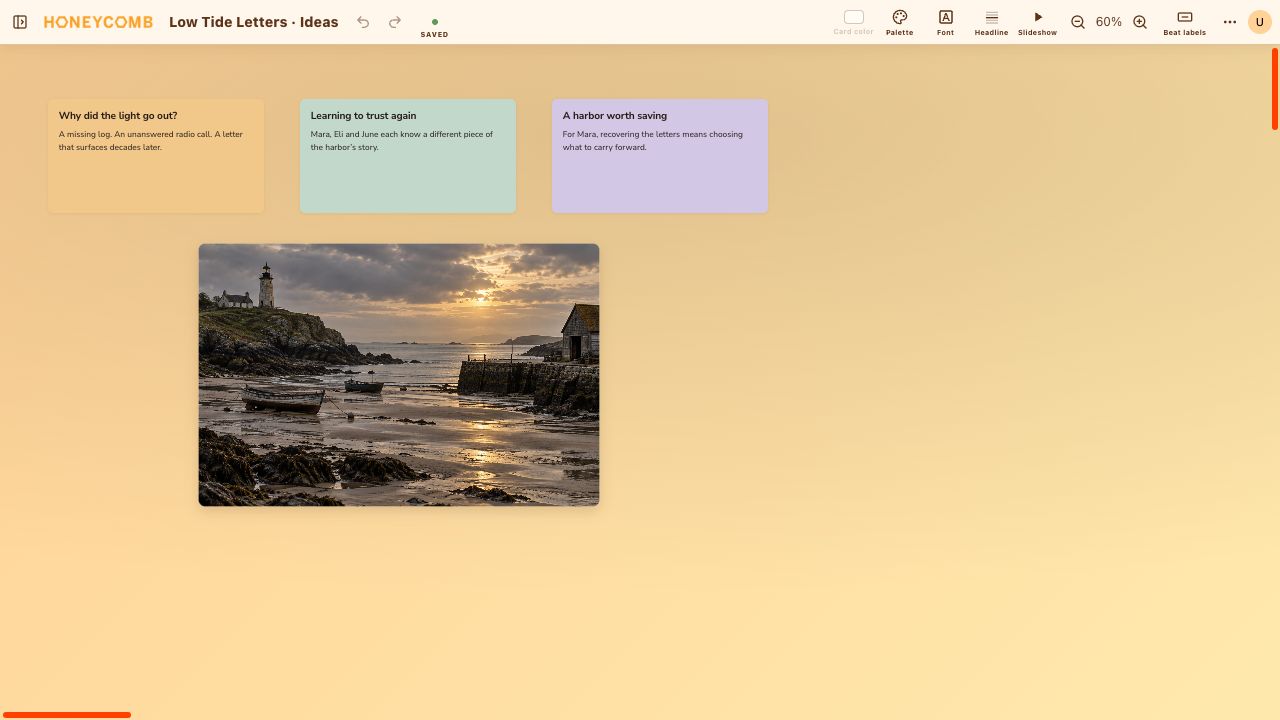
Collect first. Organize as you go.
A Freeform board gives you an open canvas instead of a fixed outline. Use a card for a scene, a research note, a question, or an idea you are not ready to place yet.
- 01Double-click to add a card, then write directly inside it.
- 02Drag cards into groups and use colors to distinguish themes.
- 03Select several cards to move related ideas together.
Keep the references beside the writing.
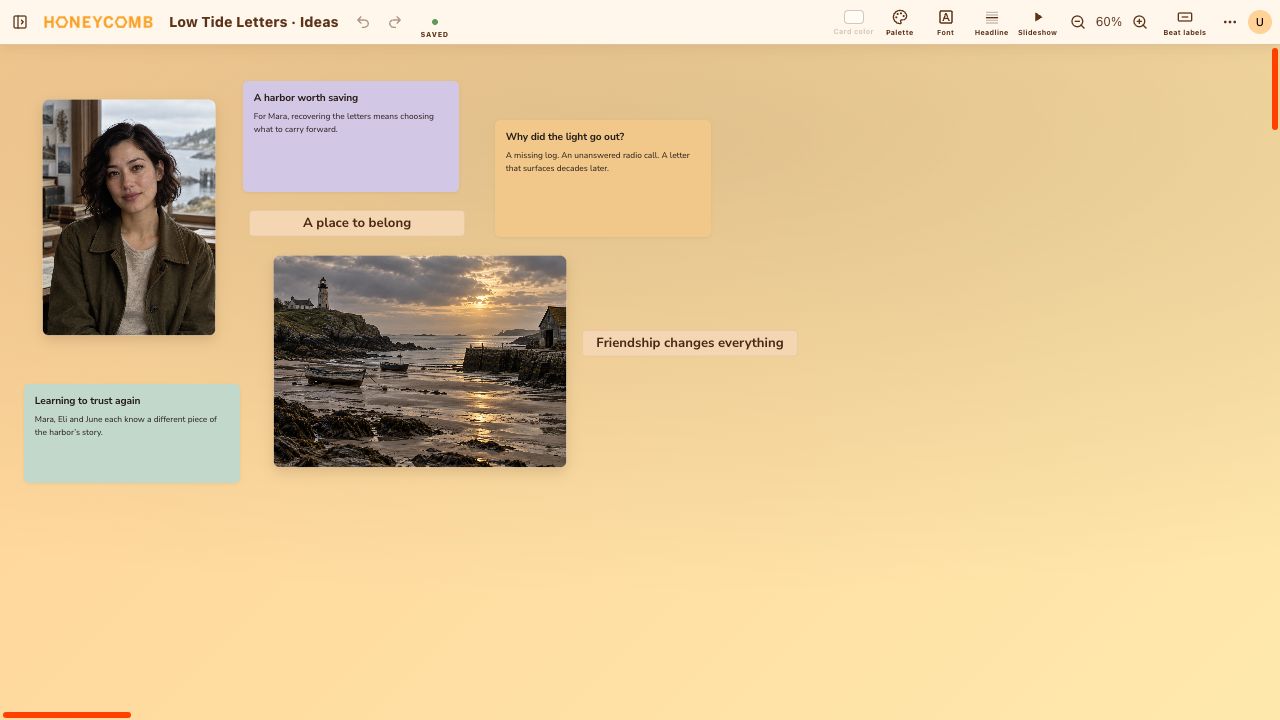
Drop an image into a card or place it directly on the canvas. Build a reference board for a setting, a character, or the atmosphere of your next scene.
- Move and resize standalone images on the board.
- Mix scene summaries with visual references and beat labels.
- Keep boards and other documents together in your project binder.
A few things
you might be wondering.
What is a digital corkboard?
It is a visual space for arranging notes and images, like index cards pinned to a wall. In Honeycomb, you can move those pieces around on a Freeform board as your project develops.
Do I need to follow a story structure?
No. Freeform boards have no required acts, rows, or card order. Choose a story-structure document when you want a more organized outline.
Can I use it for something other than a novel?
Yes. Collect ideas and references for screenplays, creative projects, research, or anything you prefer to organize visually.
Make room for your next story.
Try Honeycomb free30 days. No credit card required.
View monthly and yearly plans